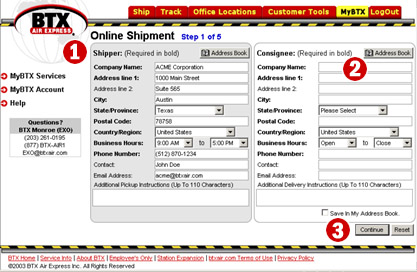
Shipper Information – The shipper information is automatically populated with the default shipper information you have already filled out.
Consignee Information – Select a consignee from the Address Book, or add one on the fly.
Continue/Reset – Continue to the next screen or reset this screen
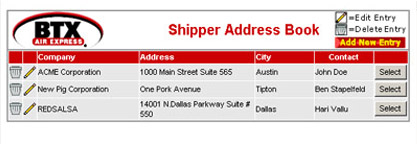
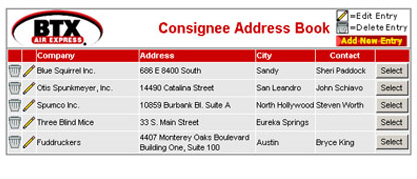
Here are examples of the Shipper and Consignee Address Books.
Copyright ©2004, BTX Air Express. All rights reserved.